
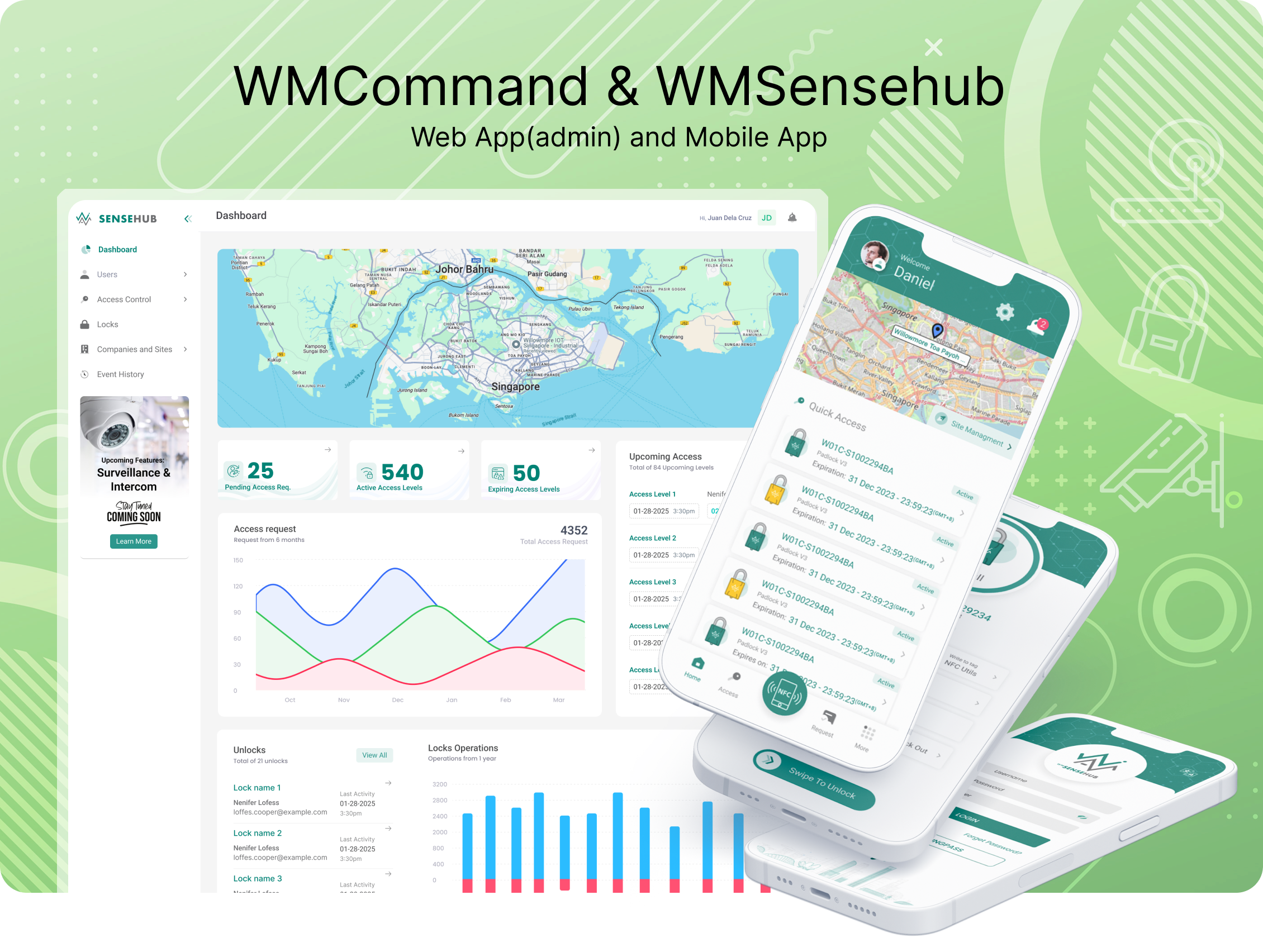
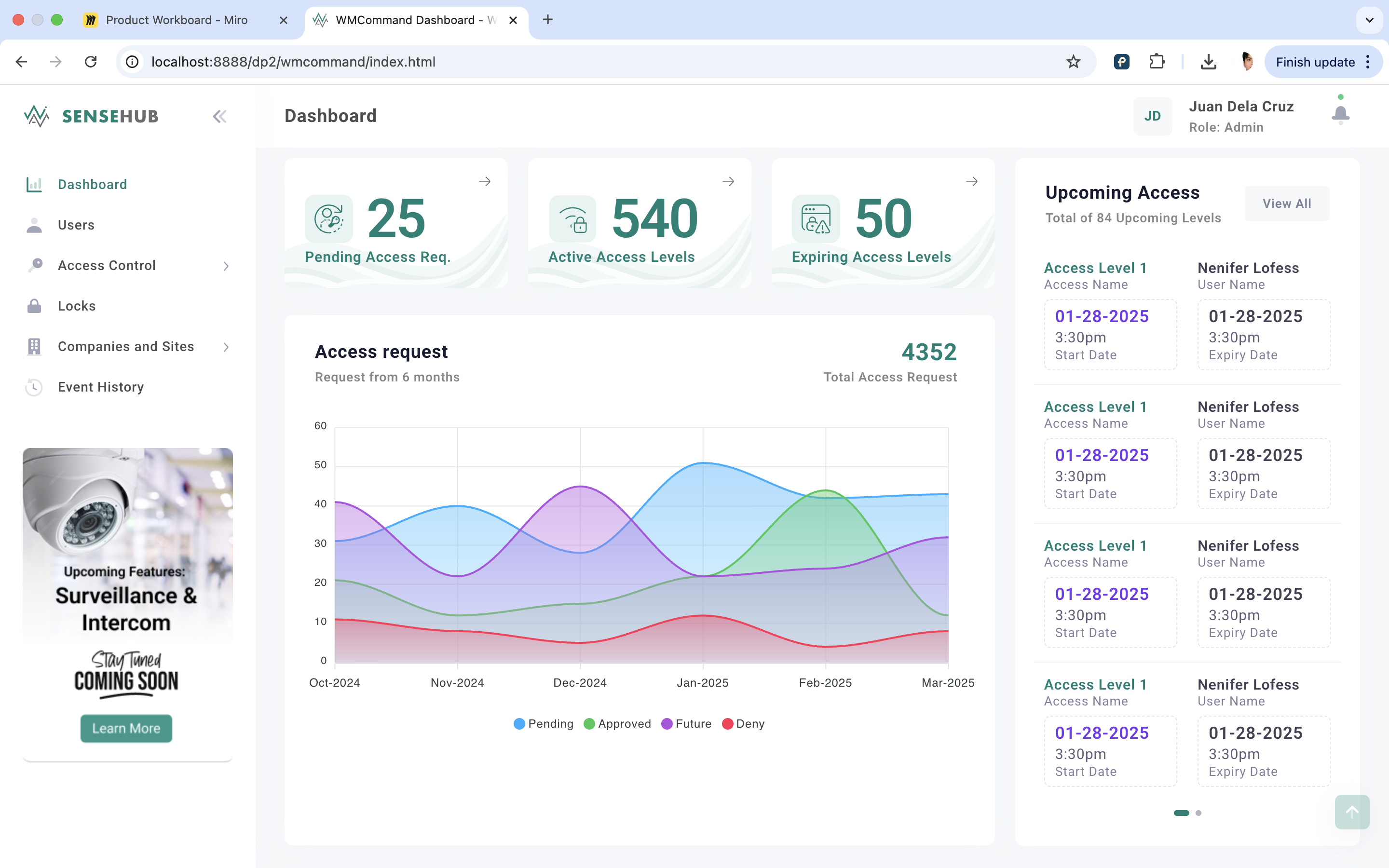
Willowmore needed to bring three fragmented products — WMCommand (web dashboard), WMSenshub (mobile app), and WMIntercom — into one coherent access-control ecosystem. Existing users (facility managers, users, security teams) were dealing with inconsistent flows across platforms, slow onboarding for new sites, and confusion during handoff between admin and end-user apps.
Small design team of 1, tight sprint cycles, engineering team already mid-build on some flows
Needed to work across NFC/existing hardware (Willowmore Pass), not just new proprietary hardware like competitors Kisi/HID
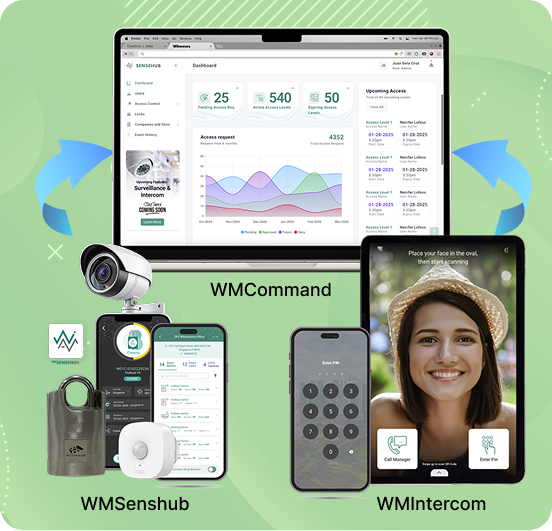
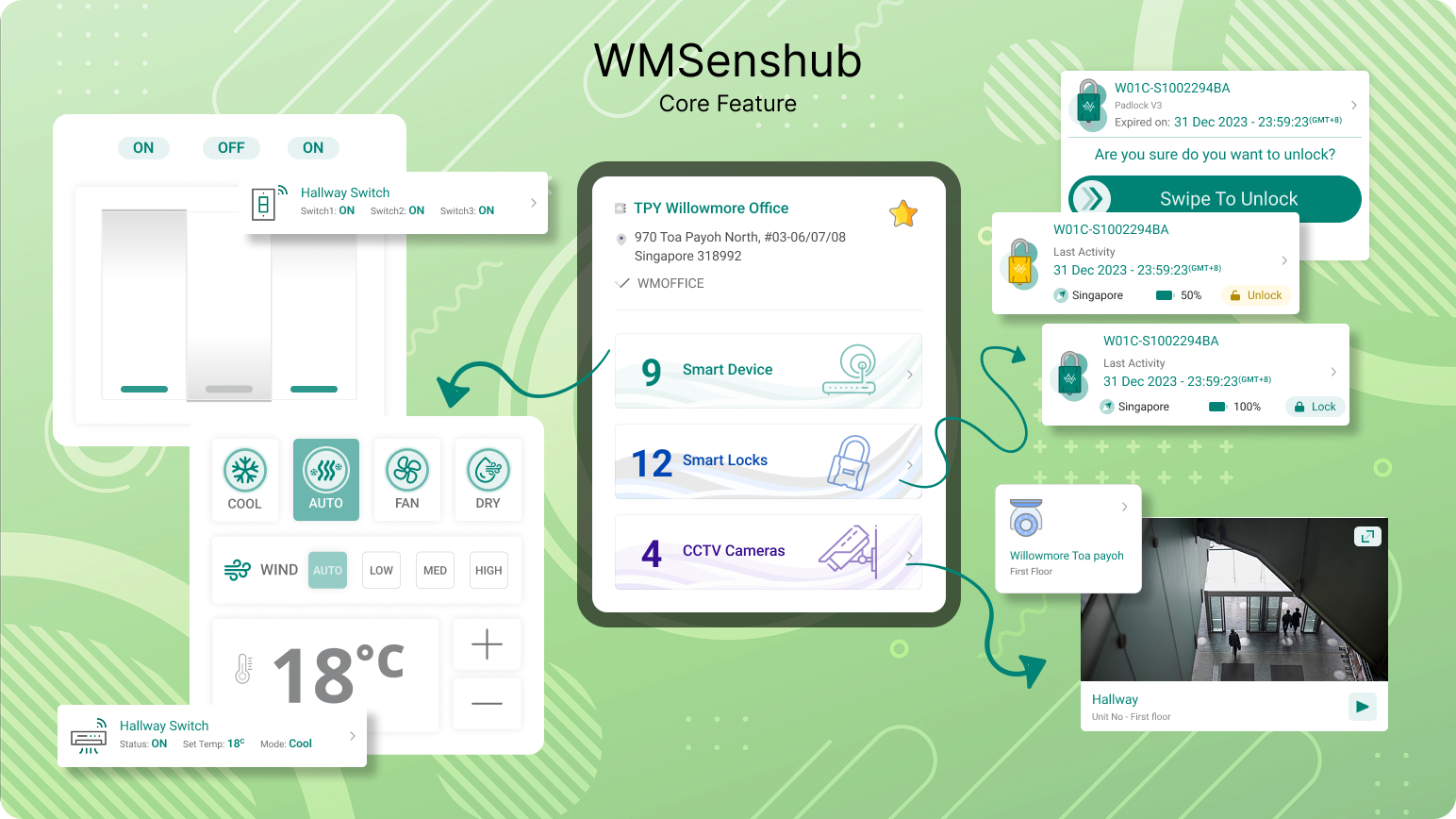
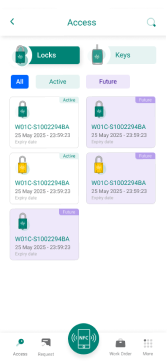
Smartphone-based credentials replace traditional keys and cards, surveil offering cloud-provisioned access with real-time updates. AI-powered surveillance with advanced video analytics for remote monitoring and can range from basic control to complex, AI-powered automation.
A cloud-based access control platform designed to modernise security management for critical infrastructure, shared workspaces, and enterprises.
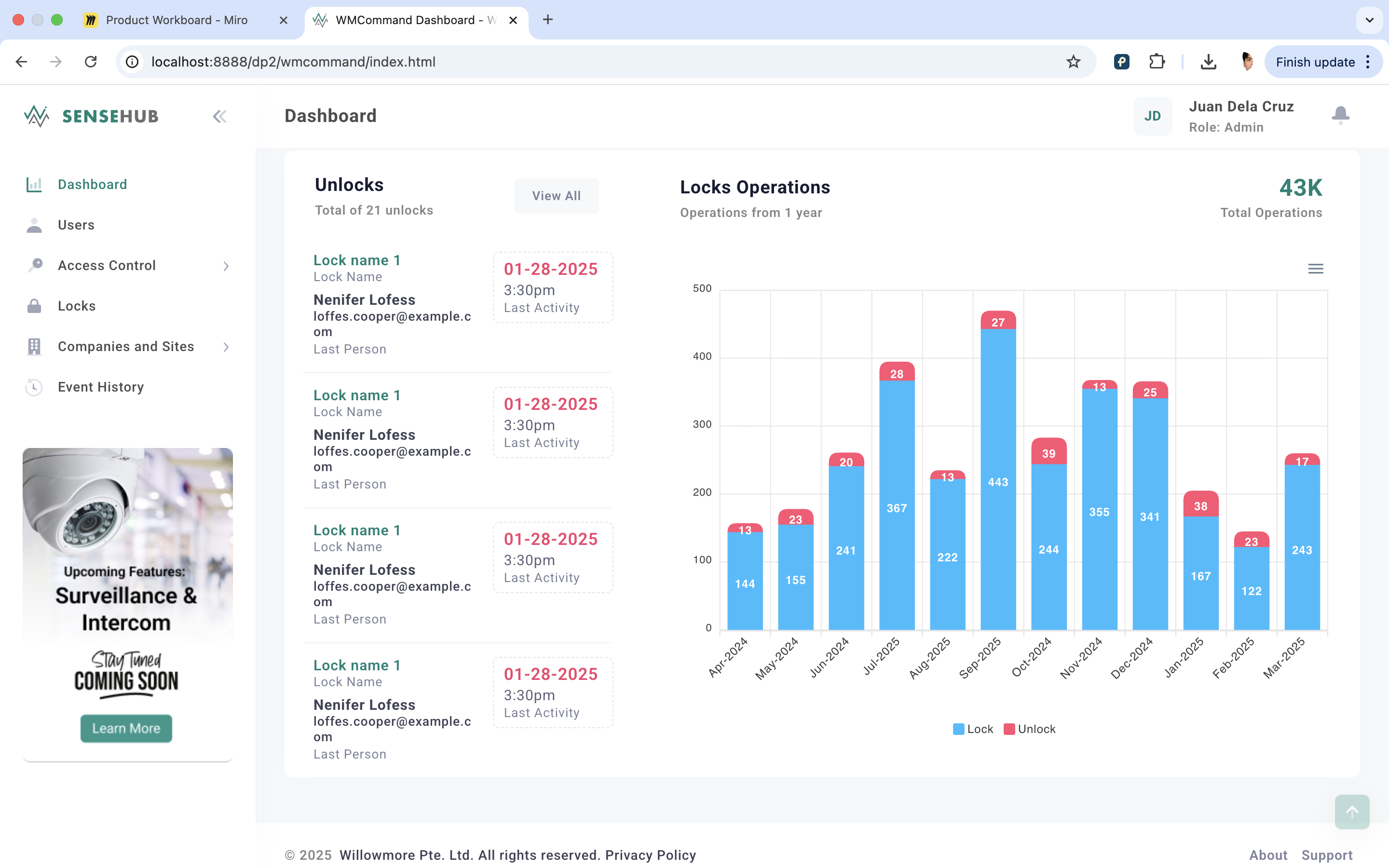
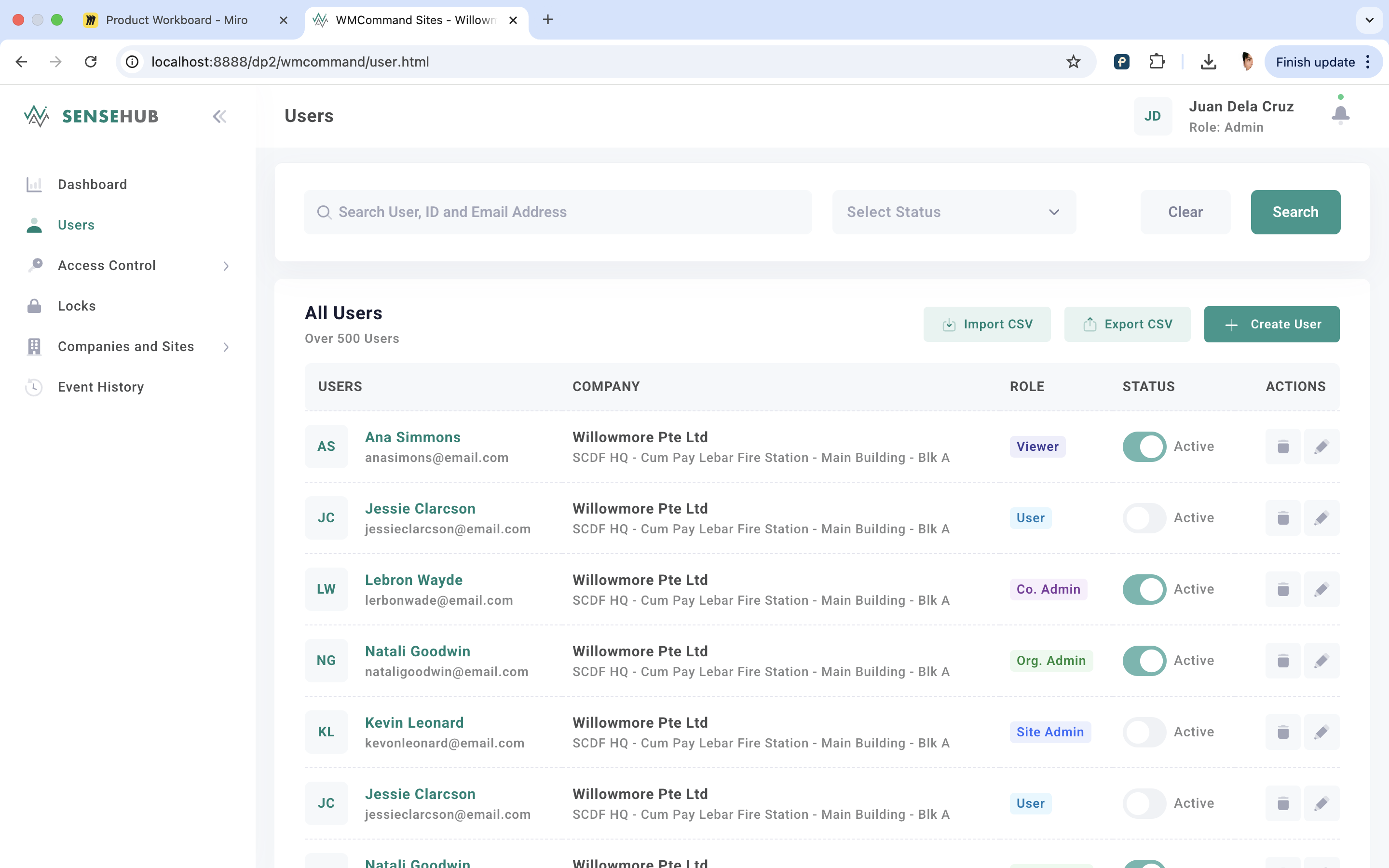
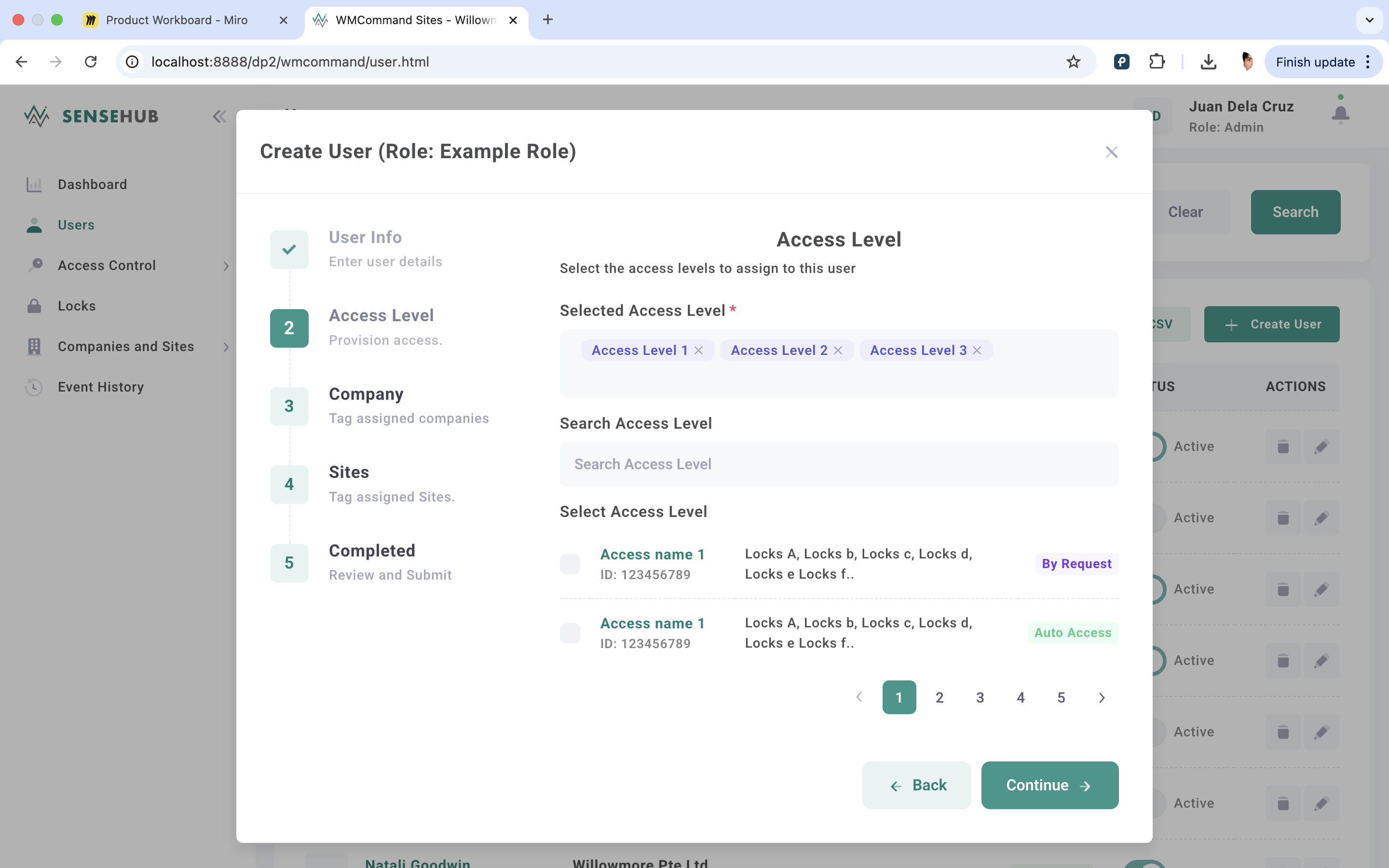
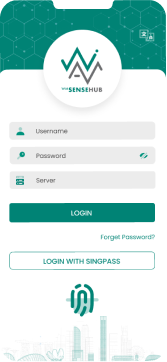
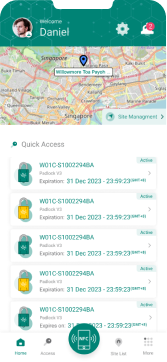
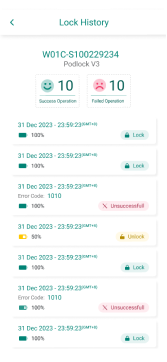
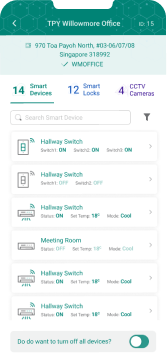
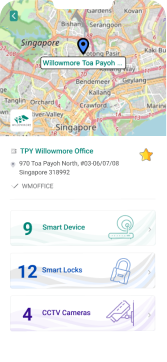


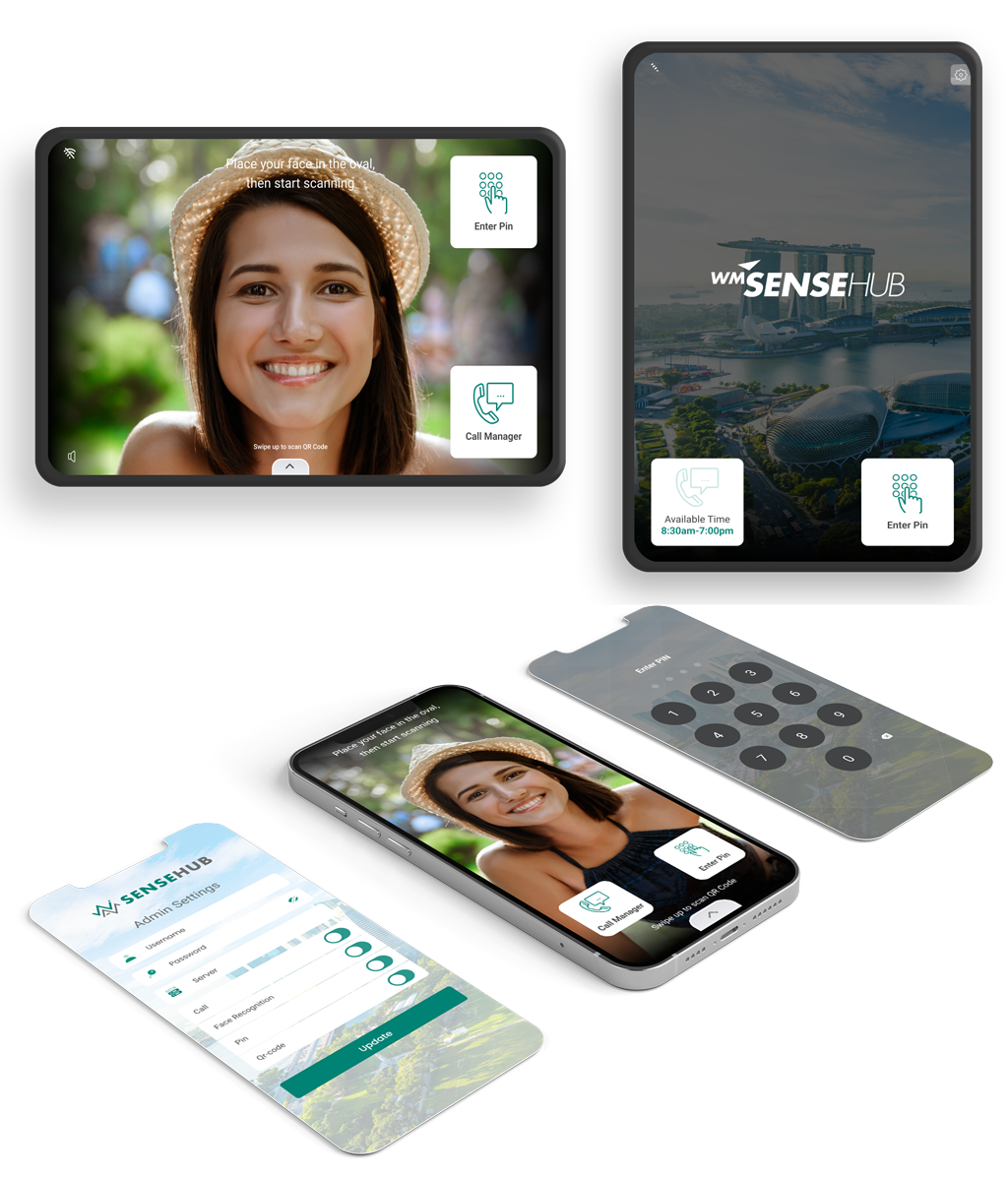


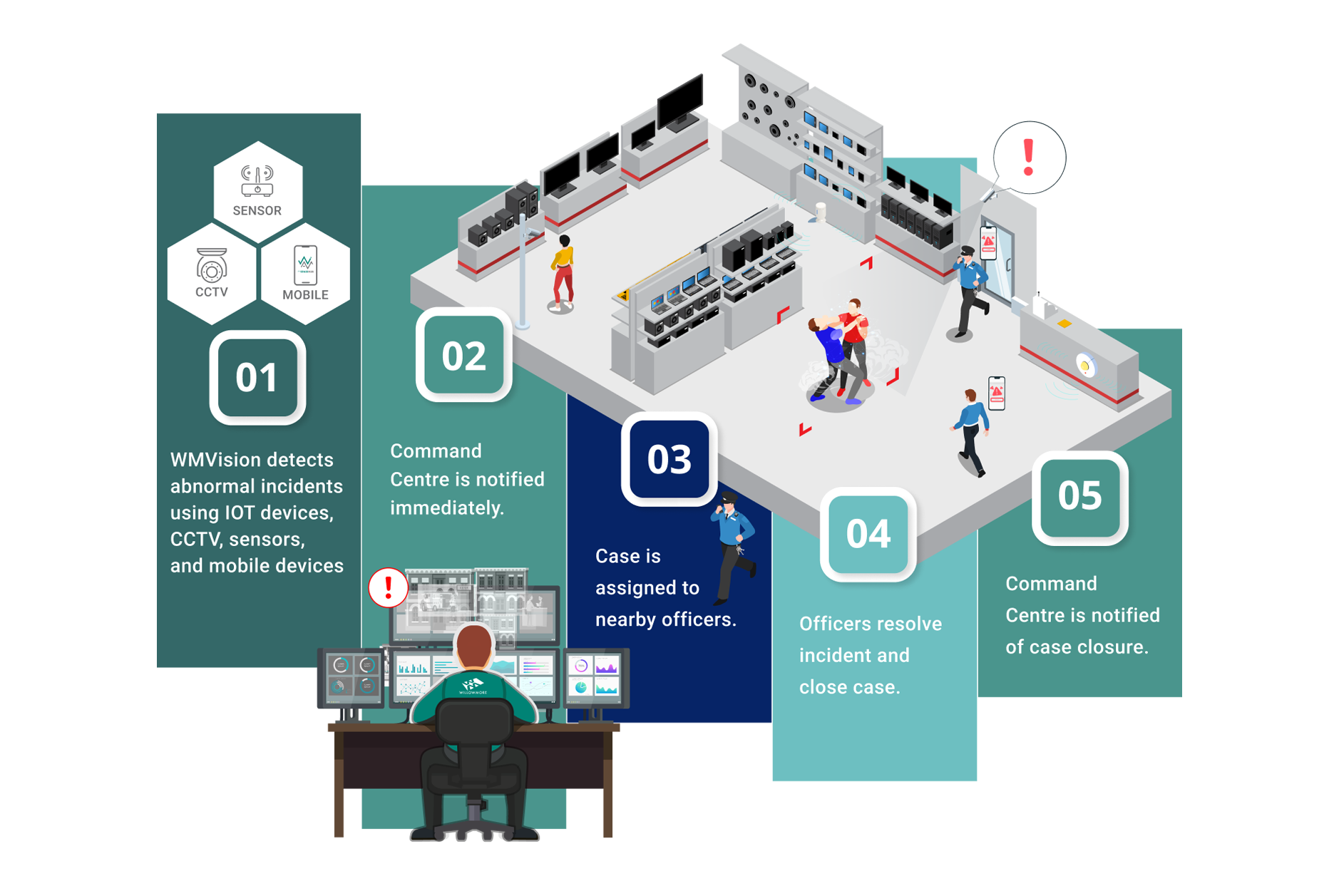
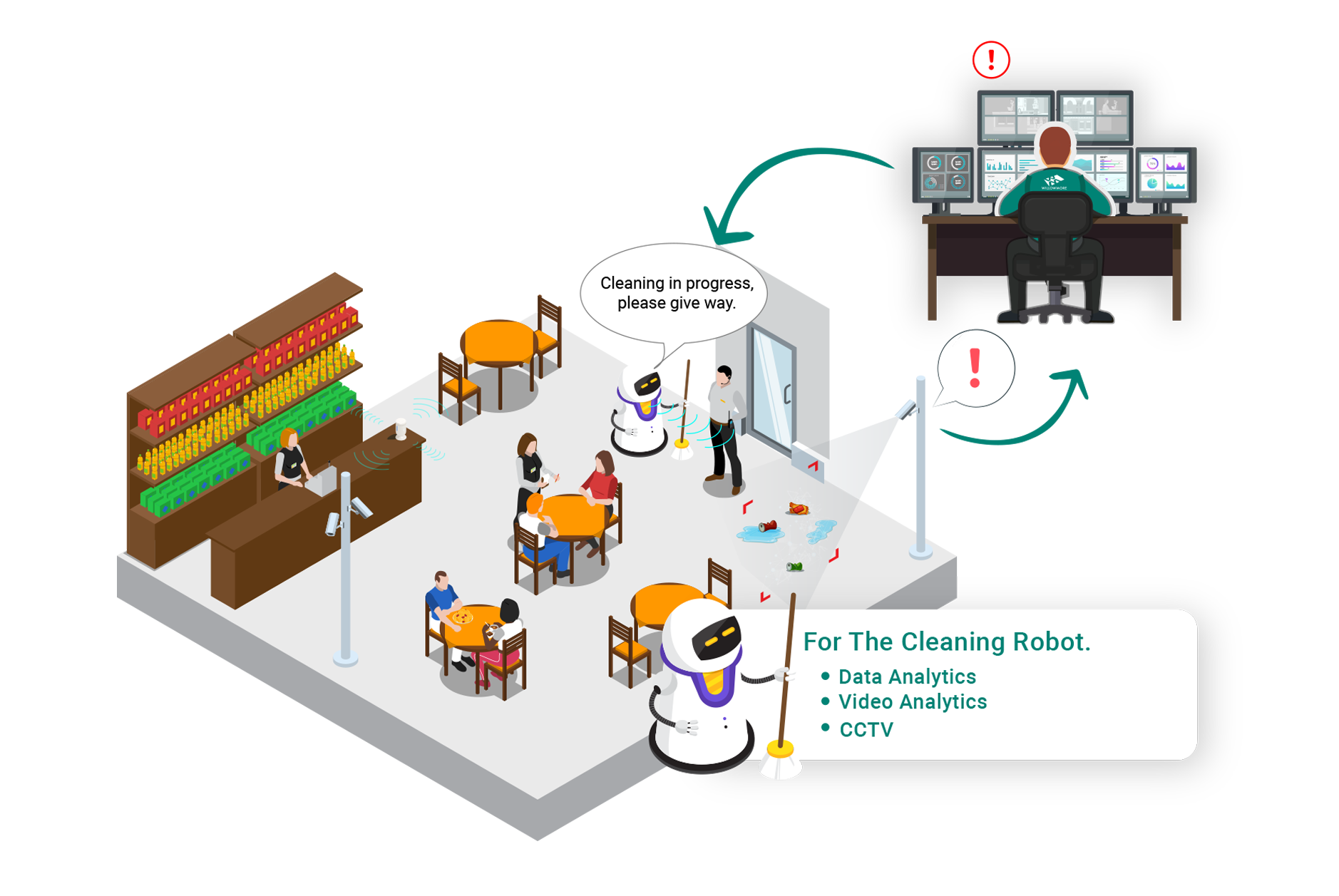
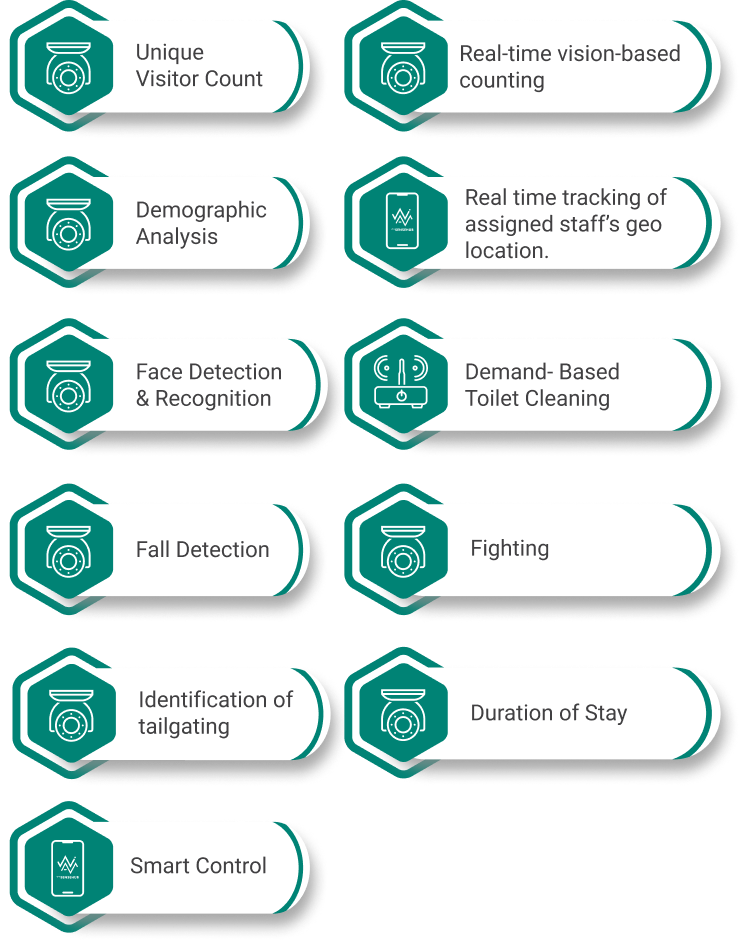
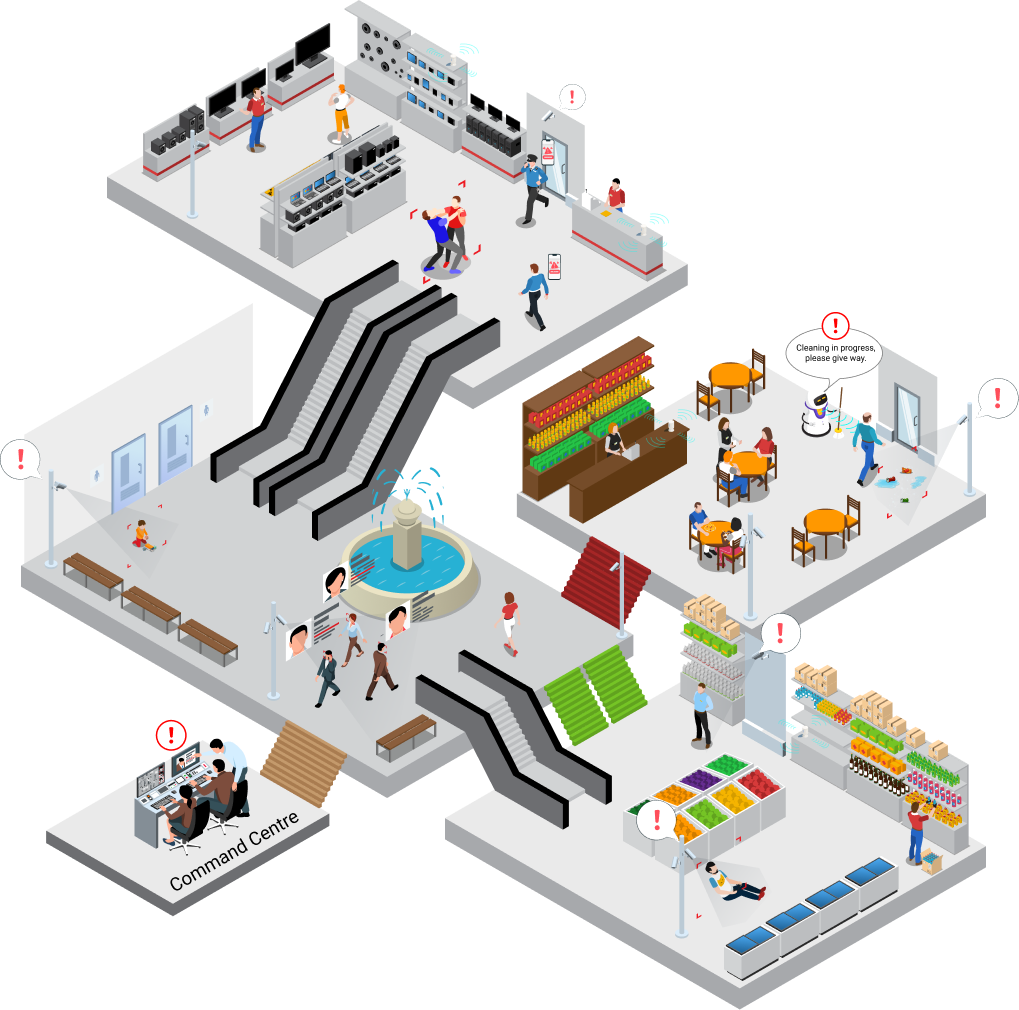
The Comprehensive System For Your Facility Management And Cleaning Robots Also Serves As Security Enablers
Kisi is built for ease of use, offering a cloud-based mobile access control solution that’s paired with Kisi’s proprietary hardware. This includes Kisi door readers and cloud management software, designed to work together seamlessly
HID, one of the largest players in the access control market, offers a robust mobile access control system that integrates seamlessly with their widely-adopted HID readers. HID’s solution appeals to enterprise-level clients, particularly those who may already have significant investments in HID’s physical security products.
Unlike Kisi and HID, Willowmore Pass is a mobile access control solution that everages existing NFC readersl, minimizing the need for new hardware investments. It also introduces the Card Management as a Service model, allowing organizations to design custom cards and check-in experiences while relying on Willowmore to maintain the software and infrastructure.

 33 Yo
33 Yo
 Gislason Way Lane SINGAPORE
 Married with two school-aged children
 Female
“I bought this to make my life simpler, not harder. I need to be sure that the kids are safe and that I never have to worry about digging for keys again, but if the app is slow or confusing, it defeats the whole purpose.”

31 Years old
Jalan Kayu Road SINGAPORE
Single, lives alone
Male
"If I can't integrate it into my existing home automation server and write custom scripts for it, then it's just a digital deadbolt, not a smart device. I expect it to perform reliably and offer full technical control."

+2 years experience

+1 year experience
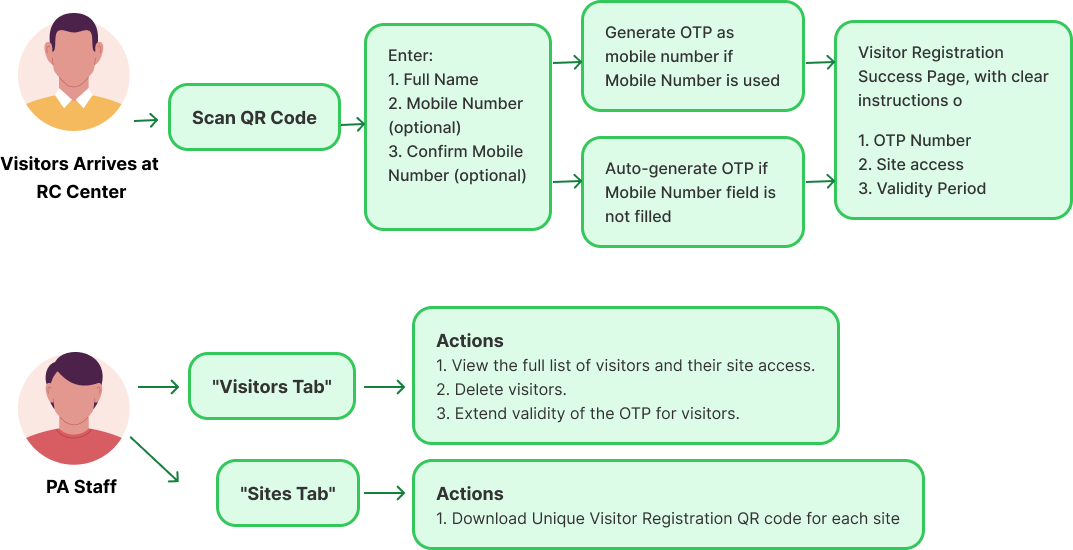
In close collaboration with the Product Manager, I spearheaded the definition and documentation of user stories and comprehensive user flows across three distinct applications: WM Command, WMSenshub, and WM Intercom. This critical effort was foundational to aligning product development across multiple platforms, ensuring a consistent and cohesive user journey for all key functional areas. This example represents a segment of the extensive documentation produced for the multi-app ecosystem.
As a PA staff member, I want to automatically create OTPs for visitors at local centres (either auto-generated or matching their mobile numbers), so that they can easily access the RC sites.

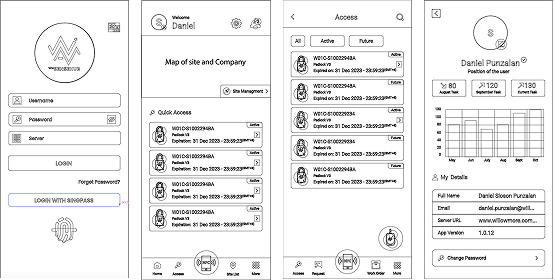
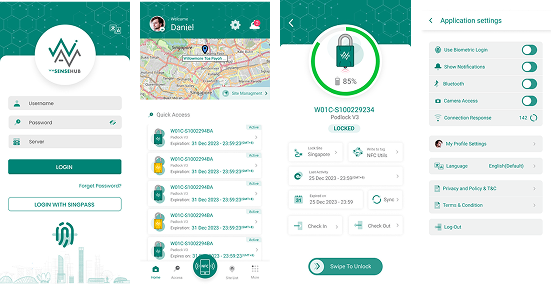
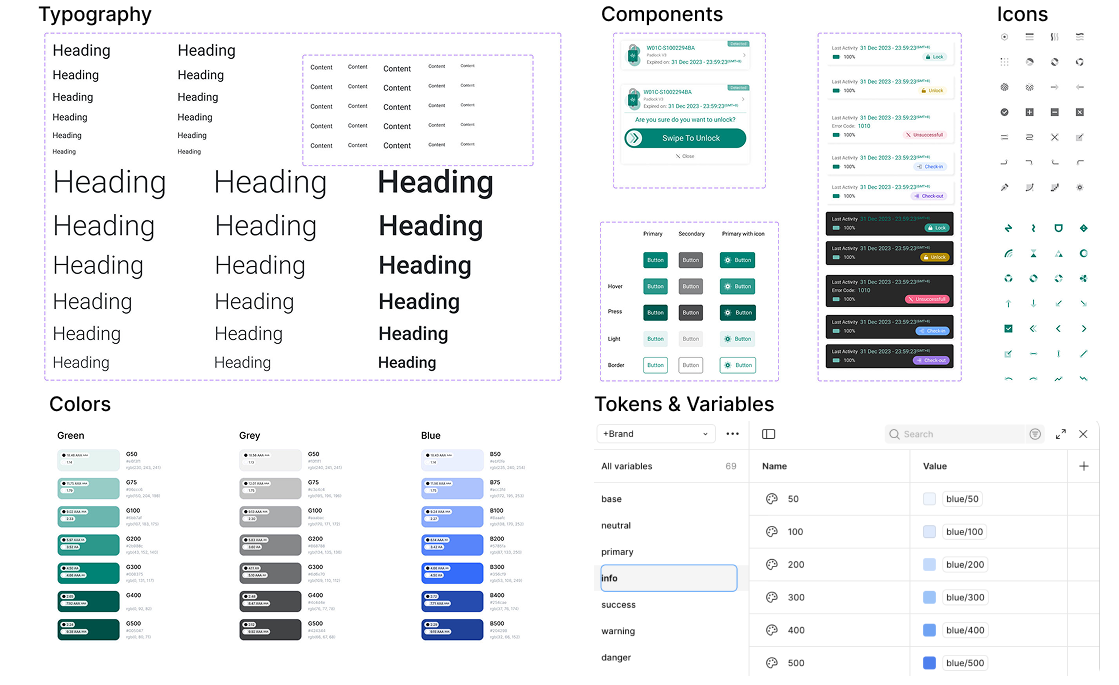
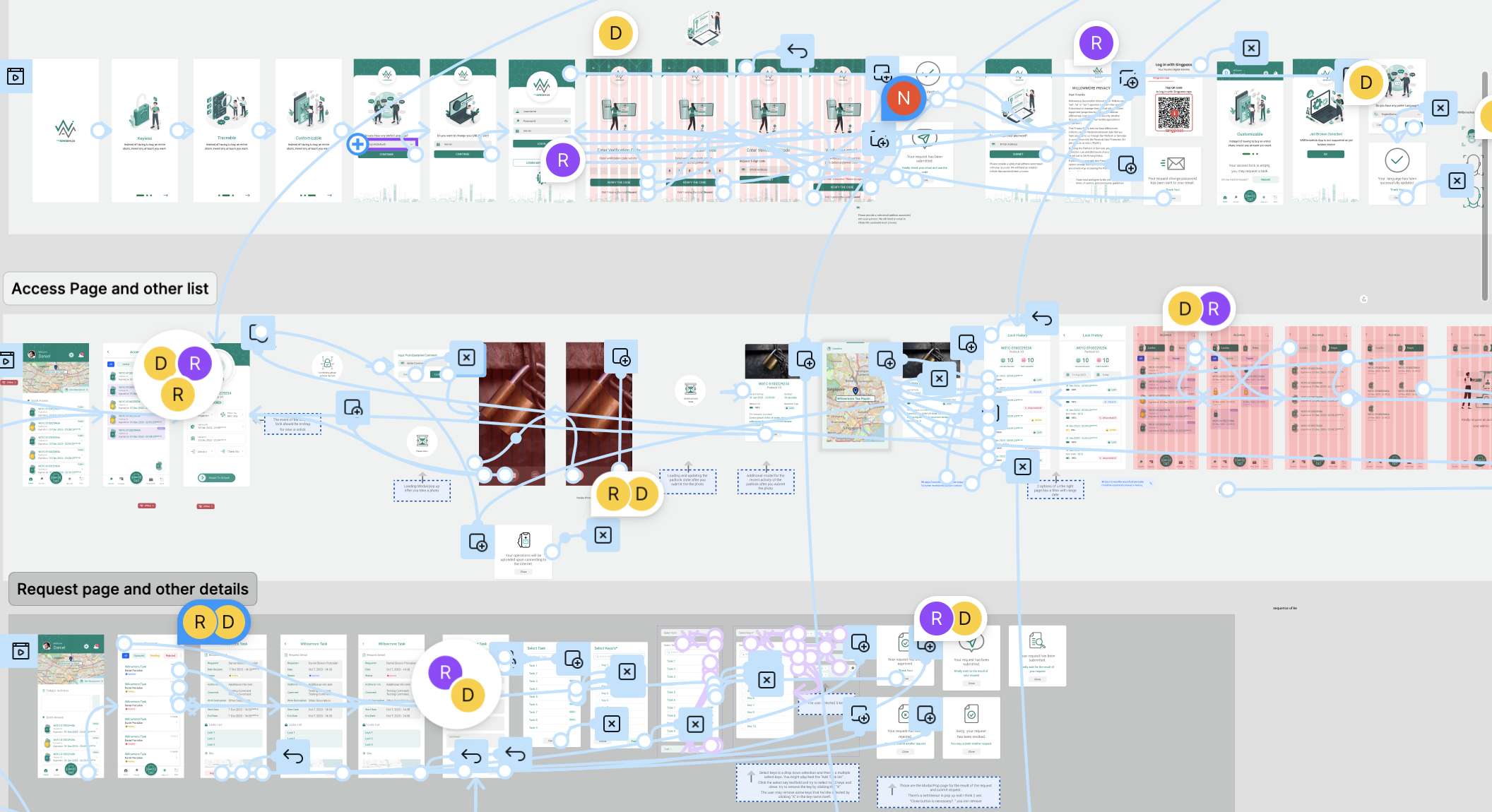
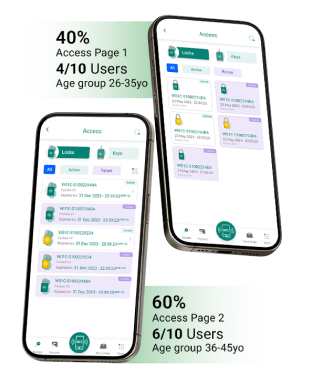
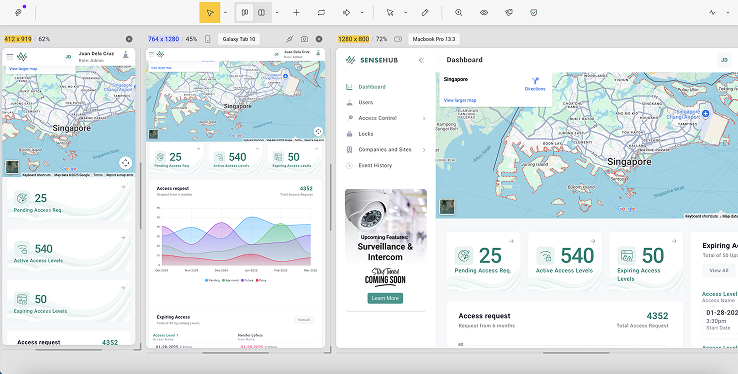
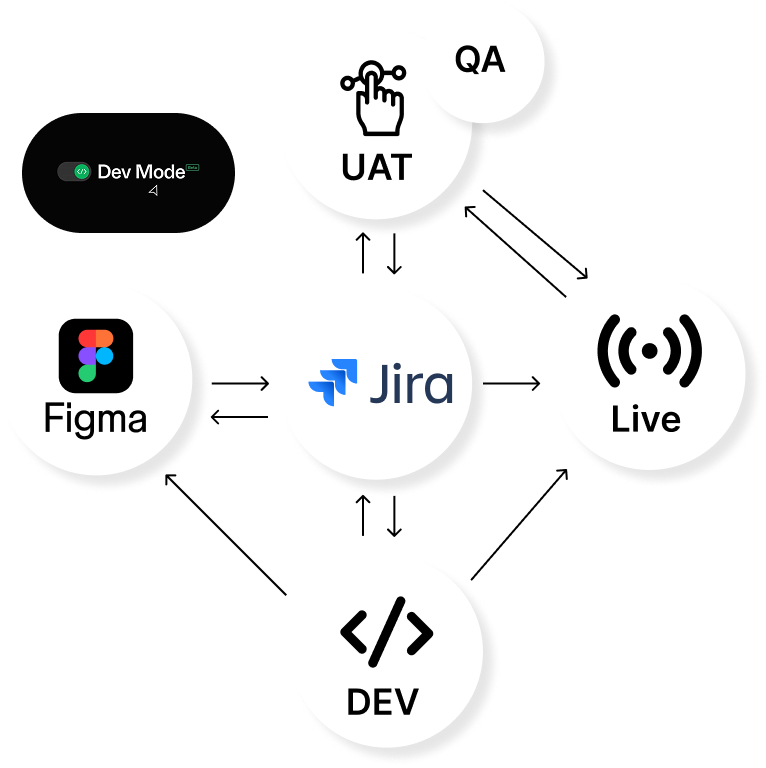
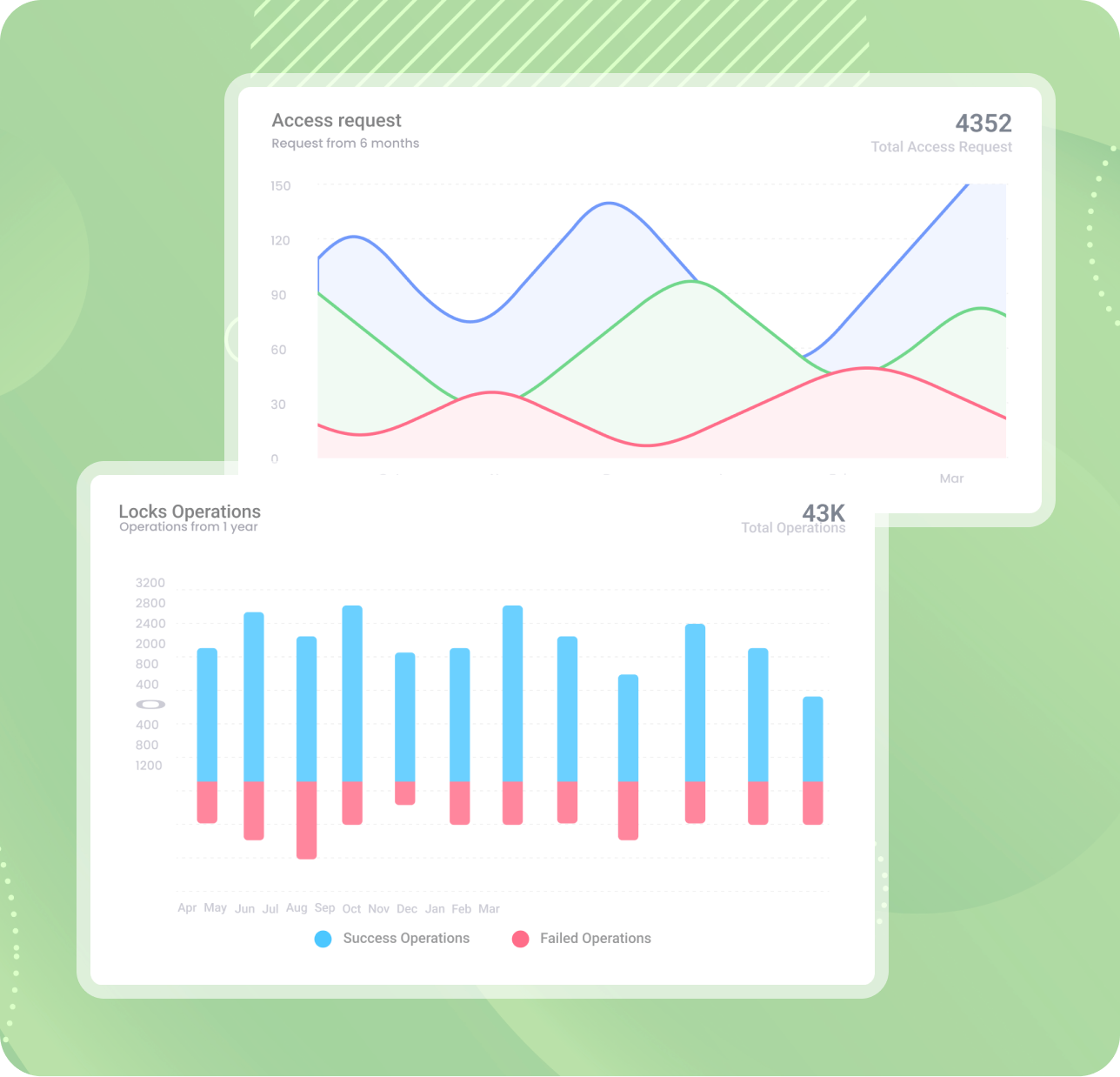
After the app is launched, user engagement, conversion rates, and customer satisfaction are continuously monitored using analytics tools. A comprehensive evaluation is conducted to assess key performance indicators, usability, and customer feedback. The results are analysed, and the impact of the app's design on user behaviour, business goals, and overall success is determined. The case study concludes with an overview of the achieved objectives and recommendations for further enhancements and optimisations based on the findings.

Is an all-in-one platform for facility management, serving various sectors from commercial hubs to industrial sites. Software seamlessly adapts to meet the unique challenges of any property type.
SHOWCASE >
A sludge truck, often called a vacuum truck or tanker, is a specialized vehicle used to collect, transport, and dispose of liquid and semi-solid waste from municipal and industrial applications
SHOWCASE >